
Should I self-host Adobe Acrobat?
Stirling-PDF is the whole Acrobat toolbox — merge, split, OCR, compress, redact, sign — behind one port, with no Adobe account and no telemetry. It booted healthy in under two minutes.
Acrobat's collaborative review flows and cloud sync
The genuinely better mobile scanning apps
PDF editing · merge/split/compress · OCR · fill & sign
* Percent of the subscription price. Your time is priced at the slider's rate — $0/h ("my homelab time is free and I love it") is a legitimate position. Every number is derived from the record, never hand-written. Price source, checked 2026-08-05.
Runs comfortably on a real VPS (2 GB+).

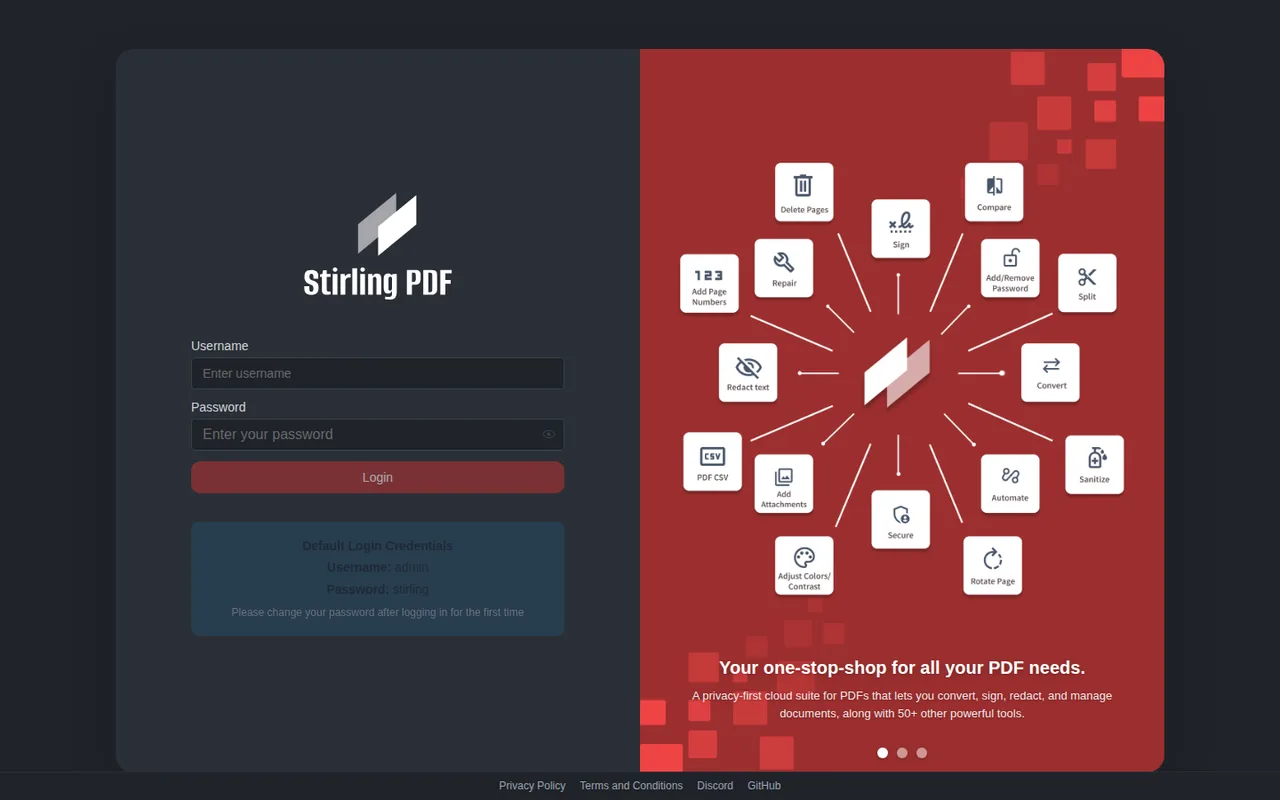
Boot to healthy measured at 72s on the 2GB reference env
# Stirling-PDF — the whole Acrobat toolbox behind one port
services:
  stirling-pdf:
    image: stirlingtools/stirling-pdf:latest
    container_name: stirling-pdf
    restart: unless-stopped
    environment:
      DISABLE_ADDITIONAL_FEATURES: "true"
    ports:
      - "8092:8080"
    volumes:
      - stirling-data:/usr/share/tessdata
    healthcheck:
      test: ["CMD-SHELL", "curl -sf http://localhost:8080/api/v1/info/status || exit 1"]
      interval: 5s
      timeout: 10s
      retries: 40
      start_period: 30s
volumes:
  stirling-data:
Want a guided install instead? caniselfhostit.com/adobe-acrobat has AI-agent prompts that assume a bare machine — that's their half of the stool, and it's good.
FULL TIMED LOG
# Adobe Acrobat — verdict log

- **Date:** 2026-08-10
- **Verdict:** YES — worth it
- **Protocol:** v1 (2GB reference env, Docker preinstalled, AI assistant: claude-code)

## Setup evidence

- Compose: `compose/adobe-acrobat-stirling-pdf.yml`
- Boot to healthy: **72s** measured this session
- Setup time recorded: 12 min (boot + configuration to first working workflow)

## What broke / notes

- Boot to healthy measured at 72s on the 2GB reference env

## The call

Stirling-PDF is the whole Acrobat toolbox — merge, split, OCR, compress, redact, sign — behind one port, with no Adobe account and no telemetry. It booted healthy in under two minutes.