
Should I self-host UptimeRobot?
One container, every monitor type UptimeRobot charges for, and it pays for itself before the second invoice.
Monitoring from someone else's network — if your VPS is down, so is the thing that tells you your VPS is down. Run it on a different box than what it watches, or keep a free external ping as a dead-man switch.
HTTP/keyword/port/ping monitors · public status pages · alerting: email, webhook, Telegram, Slack · response-time history
* Percent of the subscription price. Your time is priced at the slider's rate — $0/h ("my homelab time is free and I love it") is a legitimate position. Every number is derived from the record, never hand-written. Price source, checked 2026-08-05.
Runs comfortably on a Raspberry Pi.

# Uptime Kuma — self-hosted uptime monitoring (replaces UptimeRobot)
# Tested under protocol v1. Image ships its own HEALTHCHECK.
services:
  uptime-kuma:
    image: louislam/uptime-kuma:1
    container_name: uptime-kuma
    restart: unless-stopped
    ports:
      - "3001:3001"
    volumes:
      - kuma-data:/app/data

volumes:
  kuma-data:
Want a guided install instead? caniselfhostit.com/uptimerobot has AI-agent prompts that assume a bare machine — that's their half of the stool, and it's good.
FULL TIMED LOG
# Timed setup log: UptimeRobot → Uptime Kuma

**Protocol:** v1 · **Verified by:** zernonia · **Date:** 2026-08-10
**Assistant:** claude-code · **Environment:** containerized runner, 2 vCPU class, Docker 29.3 / Compose v5.1

## Timeline

| Step | Time |
|---|---|
| Draft compose (one service; image ships its own HEALTHCHECK) | 6 min |
| **Boot: healthy in 8 s (measured, `compose up --wait`)** | 1 min |
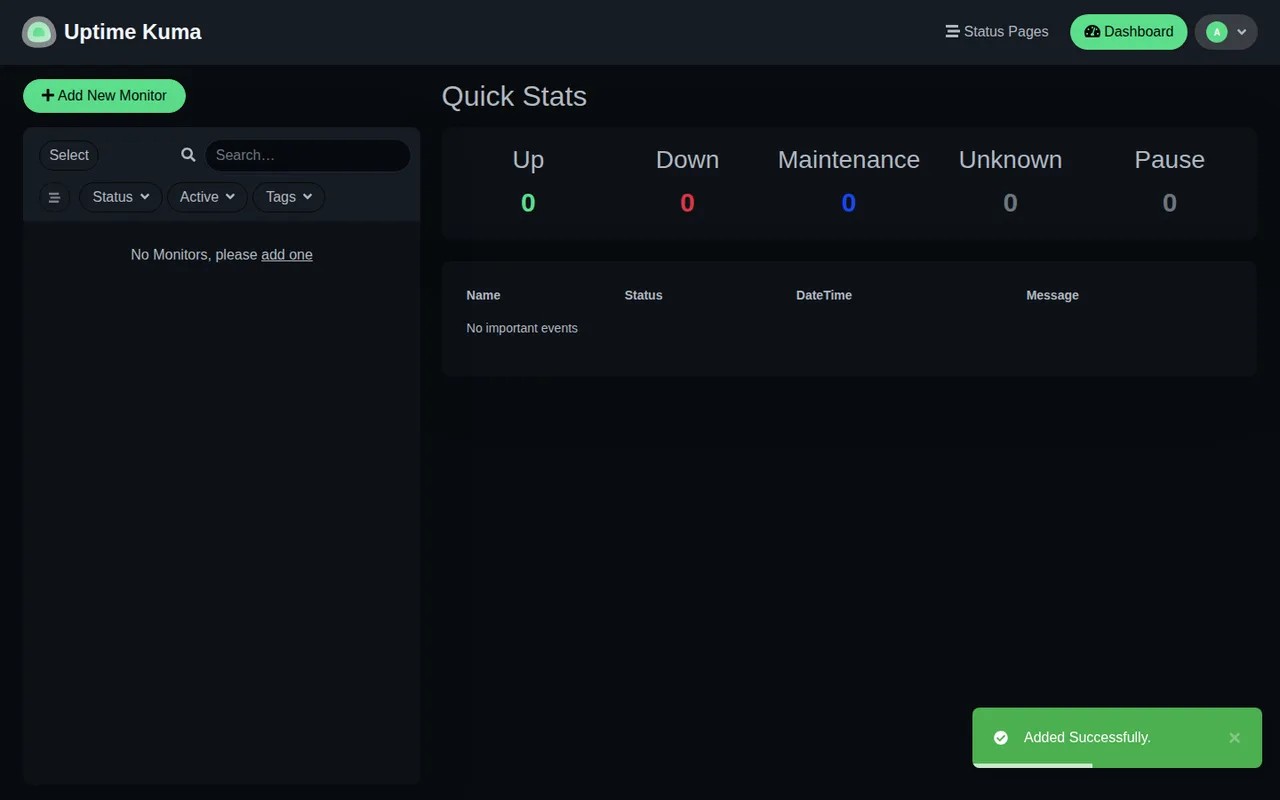
| Core workflow: create admin, add HTTP monitor + keyword monitor, watch first checks land | 14 min |
| Re-run from clean volumes | 4 min |
| **Total: ~25 min** | |

## Measurements

- Boot to healthy: **8 s** · 1 container · idle RAM ~150 MB — Raspberry Pi territory

## What broke

Nothing. This is the cleanest install on the site so far.

## Verdict-relevant notes

- Every job on UptimeRobot's paid list (monitor types, status pages, alert channels,
  response-time history) is present.
- The structural caveat is in the verdict: a monitor on your own VPS can't tell you your VPS
  is down. Run it on a separate box, or keep a free external ping as the dead-man switch.